

Is WhatsApp right for your store?
WhatsApp effectively enhances customer communication through automated updates and abandoned cart recovery, though external charges may apply that could affect overall cost.
- Choose it if
- You want to improve customer engagement with automated order notifications and cart recovery.
- Standout capability
- Easy integration with Shopify for order notifications; streamlining store operations.
- Consider another approach if
- You need to be mindful of potential external charges from Meta.
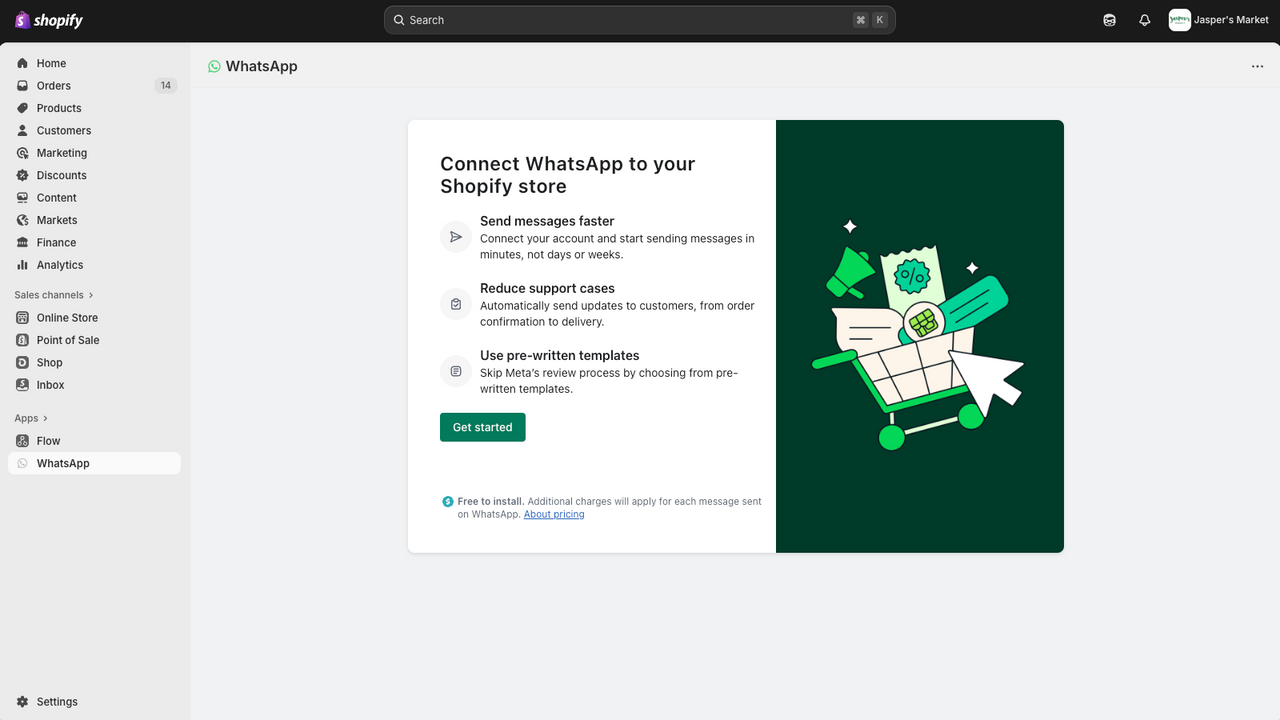
WhatsApp allows Shopify merchants to send order updates and abandoned cart messages directly to customers via WhatsApp. This integration enables shoppers to opt-in to receive notifications about their orders, which helps build trust and encourages them to complete abandoned purchases. Merchants can easily customize their messages, leverage automated marketing strategies, and use WhatsApp’s interactive features to enhance customer relationships. This app is designed to streamline communication and improve customer satisfaction through real-time notifications and updates, contributing positively to overall store operations.
Pros
- Easy integration with Shopify for order notifications; streamlining store operations.
- Automated abandoned cart messages help recover lost sales; improving revenue.
- Customization options for messages allow branding consistency; enhancing customer trust.
- Multi-language support broadens customer reach and engagement; catering to diverse shoppers.
Cons & limitations
- External charges from Meta may apply, impacting overall cost.
- Only available with a WhatsApp Business account, which may require separate setup.
Features
- Order updates via WhatsApp
- Abandoned cart recovery
- Custom message templates
- Multi-language support
- Automated marketing messages
What you can do with WhatsApp
Order Updates
Automatically send updates about order status to customers, minimizing support queries and keeping buyers informed.
Abandoned Cart Messages
Recover lost sales by sending timely reminders to customers who leave items in their cart.
Message Customization
Create personalized messages using templates to align with your brand voice and engage your audience.
Pricing & plan limits
- Free to install, but be aware of additional charges from Meta.
- External charges may be billed separately from Shopify invoice.
Setup & day-to-day use
- Connect your WhatsApp Business account to Shopify.
- Customize message templates to match your brand identity.
- Configure notification settings to suit your business operations.
Supported integrations
- WhatsApp API
- WhatsApp Business
Questions about WhatsApp
How do I connect WhatsApp to my Shopify store?
You can connect WhatsApp in just a few clicks through the Shopify app interface.
Can customers opt out of notifications?
Yes, customers can choose to opt out of notifications at any time.
What languages does WhatsApp support?
WhatsApp supports multiple languages including English, Spanish, Arabic, and more.
Compare pricing plans
| Plan | Monthly | Annual | Limits & charges |
|---|---|---|---|
| Free | Free | Not documented | No monthly fees; external charges may apply.
|
Changes in our research
Differences between saved listing checks. A newly recorded detail can reflect better research rather than a product change.
Checked 1 Nov 2026
- Pricing summary
- Previously: Free to install; additional charges may apply; external charges billed by Meta separatelyNow: Free to install; external charges may apply.
- Listed features
- Previously: Abandoned cart marketing messages; Checkout WhatsApp marketing opt-in; Order update messaging; Keyword-triggered auto replies; Subscriber import from CSV or bulk edit; Custom WhatsApp message templatesNow: Order updates via WhatsApp; Abandoned cart recovery; Custom message templates; Multi-language support; Automated marketing messages
- Listed integrations
- Previously: Shopify Admin, WhatsApp, WhatsApp API, WhatsApp BusinessNow: WhatsApp API, WhatsApp Business