

Is UPS Shipping Dashboard right for your store?
The UPS Shipping Dashboard excels in automating shipping processes, but may incur additional costs depending on shipping volume.
- Choose it if
- You need to streamline your shipping operations with bulk printing and tracking features.
- Standout capability
- Bulk printing of shipping labels saves time during peak seasons.
- Consider another approach if
- Shipping costs through UPS may vary greatly depending on order size and destination.
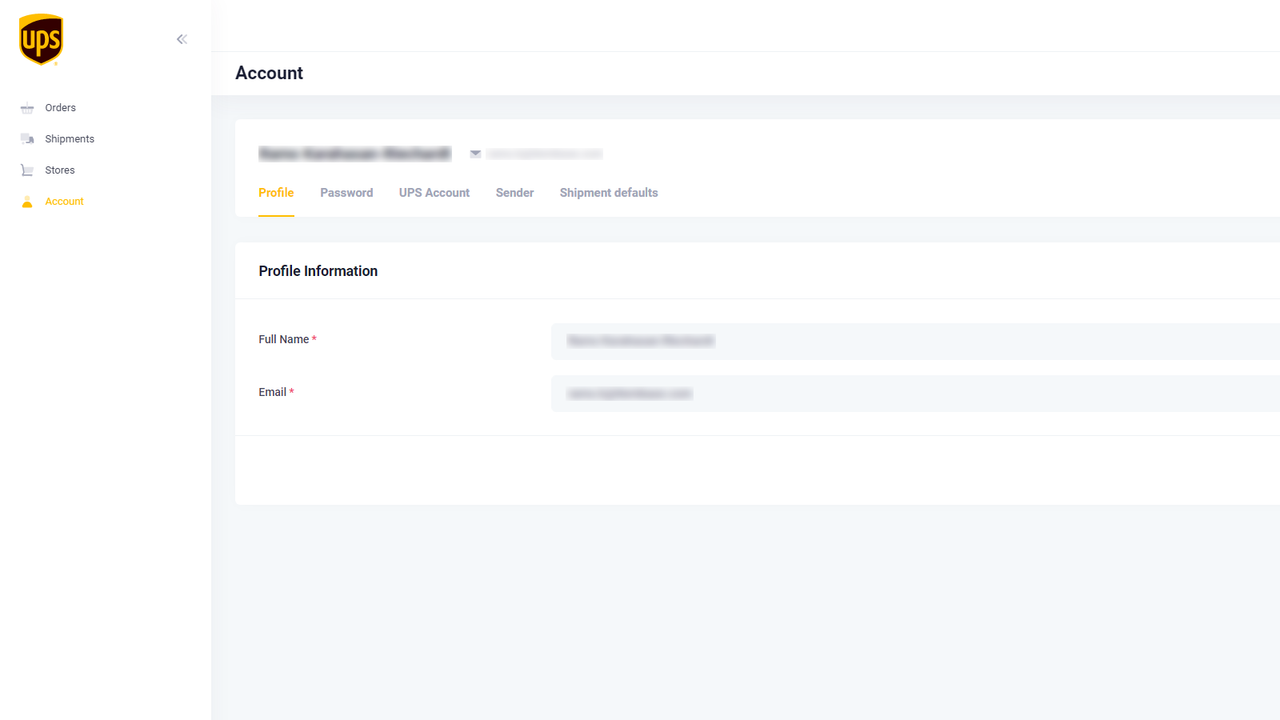
The UPS Shipping Dashboard streamlines the shipping process by connecting your Shopify store to all UPS services. It allows merchants to manage orders, create shipping labels in bulk, track shipments, and access detailed shipping insights. The app automates workflows, enabling features like split order management and package size matching. By syncing channels, warehouses, and inventory, it optimizes shipping efficiency, helping businesses spend less time on logistics and more on growth.
Pros
- Bulk printing of shipping labels saves time during peak seasons.
- Real-time tracking provides visibility for both merchants and customers.
- Automated workflows reduce manual input, increasing shipping efficiency.
- Integration with multiple sales channels consolidates order management easily.
- Responsive chat support offers quick assistance when needed.
Cons & limitations
- Additional shipping costs depend on the retailer's UPS account and may vary significantly based on volume.
- The app is tailored specifically for UPS services, limiting options for merchants using other carriers.
Features
- Bulk shipping label printing
- Real-time shipment tracking
- Split order management
- Inventory syncing
- Email notifications for orders
What you can do with UPS Shipping Dashboard
Order Management
Streamlines the order management process by syncing with the Shopify store, allowing users to easily view and manage orders from a single dashboard.
Bulk Shipping Labels
Allows merchants to print multiple shipping labels at once, reducing time spent on label creation for high-volume shipping.
Shipment Tracking
Enables real-time tracking of shipments, keeping both merchants and customers informed of delivery status.
Pricing & plan limits
- Free to install with additional shipping costs through UPS.
- No additional monthly fees for the app itself.
Setup & day-to-day use
- Connect your Shopify store to your UPS account.
- Set up shipment and sender defaults to save time.
- Sync channels and inventory for streamlined operations.
Supported integrations
- BigCommerce
- Etsy
- WooCommerce
Questions about UPS Shipping Dashboard
Are there any additional fees for using the app?
While the app is free to install, shipping costs will be charged through your UPS account.
Can I track my shipments?
Yes, the app provides real-time tracking for all shipments processed through UPS.
How do I print shipping labels?
You can create and print shipping labels in bulk directly from the app's dashboard.
What channels does this app support?
The app integrates with major sales channels like BigCommerce, Etsy, and WooCommerce.
Is there customer support available?
Yes, the app includes chat support for responsive assistance.
Compare pricing plans
| Plan | Monthly | Annual | Limits & charges |
|---|---|---|---|
| Free | Free | Not documented | Free to install
|
Changes in our research
Differences between saved listing checks. A newly recorded detail can reflect better research rather than a product change.
Checked 2 Nov 2026
- Pricing summary
- Previously: Free to install; shipping costs billed through UPS account(s); additional charges may applyNow: Free to install, shipping costs through UPS account
- Listed features
- Previously: Bulk shipping label printing; Order and channel sync; Return labels and pick lists; Real-time tracking and updates; Branded tracking page; Shipment and sender defaultsNow: Bulk shipping label printing; Real-time shipment tracking; Split order management; Inventory syncing; Email notifications for orders