

Is Parkour: TikTok Pixel & CAPI right for your store?
Parkour excels in capturing TikTok conversions and optimizing ad spend efficiently, but its successful setup relies on users’ willingness to manage multiple pixels.
- Choose it if
- You need accurate conversion tracking for your TikTok campaigns.
- Standout capability
- Allows precise TikTok event tracking to enhance campaign performance.
- Consider another approach if
- Managing multiple pixels may complicate setup for some users.
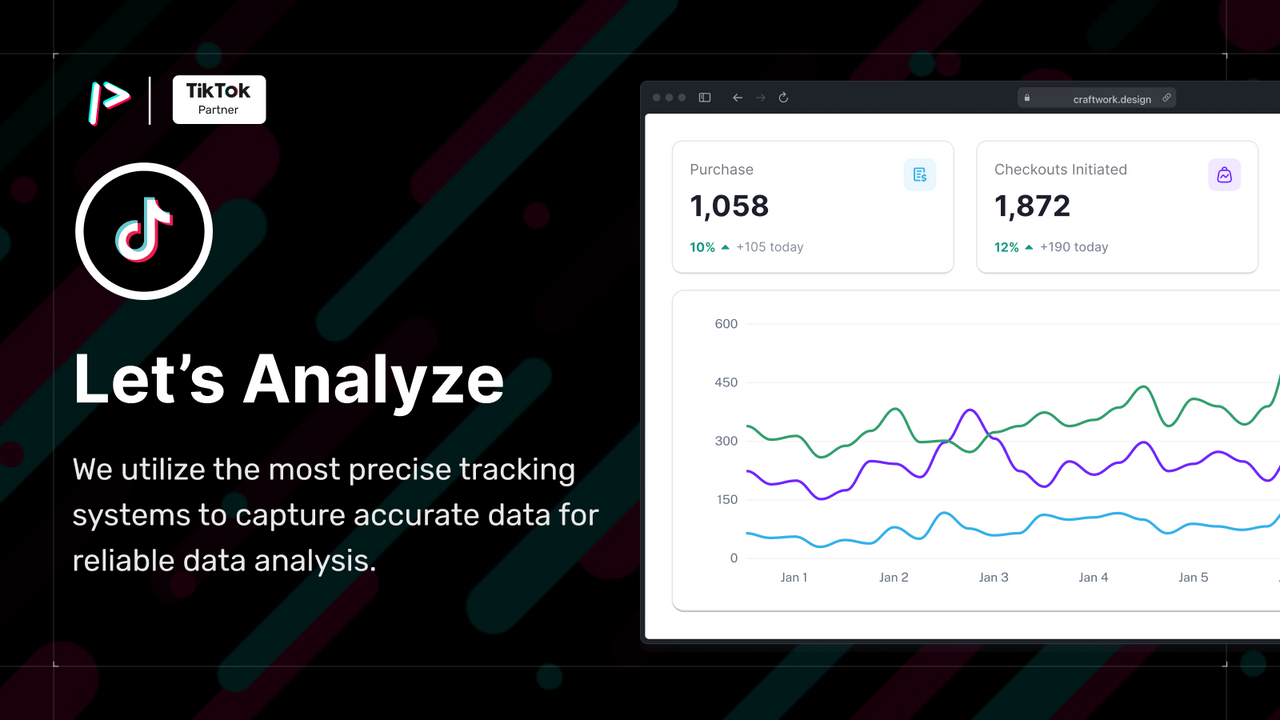
Parkour: TikTok Pixel & CAPI is designed to help merchants effectively track conversions from TikTok through a seamless integration of the Conversion API. By capturing each interaction on TikTok, it provides valuable data insights that enhance campaign optimization and improve return on ad spend (ROAS). The setup of this app is straightforward, taking only about two minutes without the need for coding. Users can easily manage multi-pixel tracking and monitor essential metrics in real time, all from an intuitive dashboard. The app ensures accurate data collection, helping businesses adapt to any pixel tracking changes that may arise, especially considering privacy updates and ad blockers.
Pros
- Allows precise TikTok event tracking to enhance campaign performance.
- Quick 2-minute setup without coding needed for ease of use.
- Offers real-time insights through an intuitive dashboard for informed decision-making.
- Helps maximize return on ad spend (ROAS) with advanced data collection.
Cons & limitations
- Managing multiple pixels may add complexity to setup for less tech-savvy users.
Features
- Advanced server-side tracking
- Real-time UTM tracking
- Multi-pixel management
- Accurate attribution
- Report scheduling
What you can do with Parkour: TikTok Pixel & CAPI
Real-time Event Tracking
Utilize advanced server-side tracking to capture TikTok events, ensuring that all interactions are precisely recorded for better decision-making.
Multi-Pixel Management
Manage multiple TikTok pixels seamlessly from a single dashboard, allowing for a streamlined approach to data collection and performance tracking.
UTM Tracking Implementation
Implement UTM tracking for comprehensive visibility on ad performance, enabling data-driven advertising strategies.
Setup & day-to-day use
- Complete setup in under 2 minutes with a step-by-step guide for no hassle.
- No coding is required for installation.
Supported integrations
- TikTok Ads
Questions about Parkour: TikTok Pixel & CAPI
How long does it take to set up the app?
Setup takes approximately 2 minutes with no coding required.
Can I track multiple TikTok pixels?
Yes, the app allows management of multiple TikTok pixels from one dashboard.
What kind of data does the app track?
It tracks TikTok events and real-time UTM parameters for comprehensive ad performance insights.
Compare pricing plans
| Plan | Monthly | Annual | Limits & charges |
|---|---|---|---|
| Standard | Free | Not documented | monthly
|
Changes in our research
Differences between saved listing checks. A newly recorded detail can reflect better research rather than a product change.
Checked 1 Nov 2026
- Listed features
- Previously: TikTok Conversion API event tracking; Server-side tracking for commerce events; Real-time UTM tracking; Multi-pixel management from one dashboard; Checkout and purchase tracking; Analytics and reporting outputNow: Advanced server-side tracking; Real-time UTM tracking; Multi-pixel management; Accurate attribution; Report scheduling
- Listed integrations
- Previously: Checkout, Shopify Admin, TikTok pixel, TikTok adsNow: TikTok Ads